Start with the silhouette
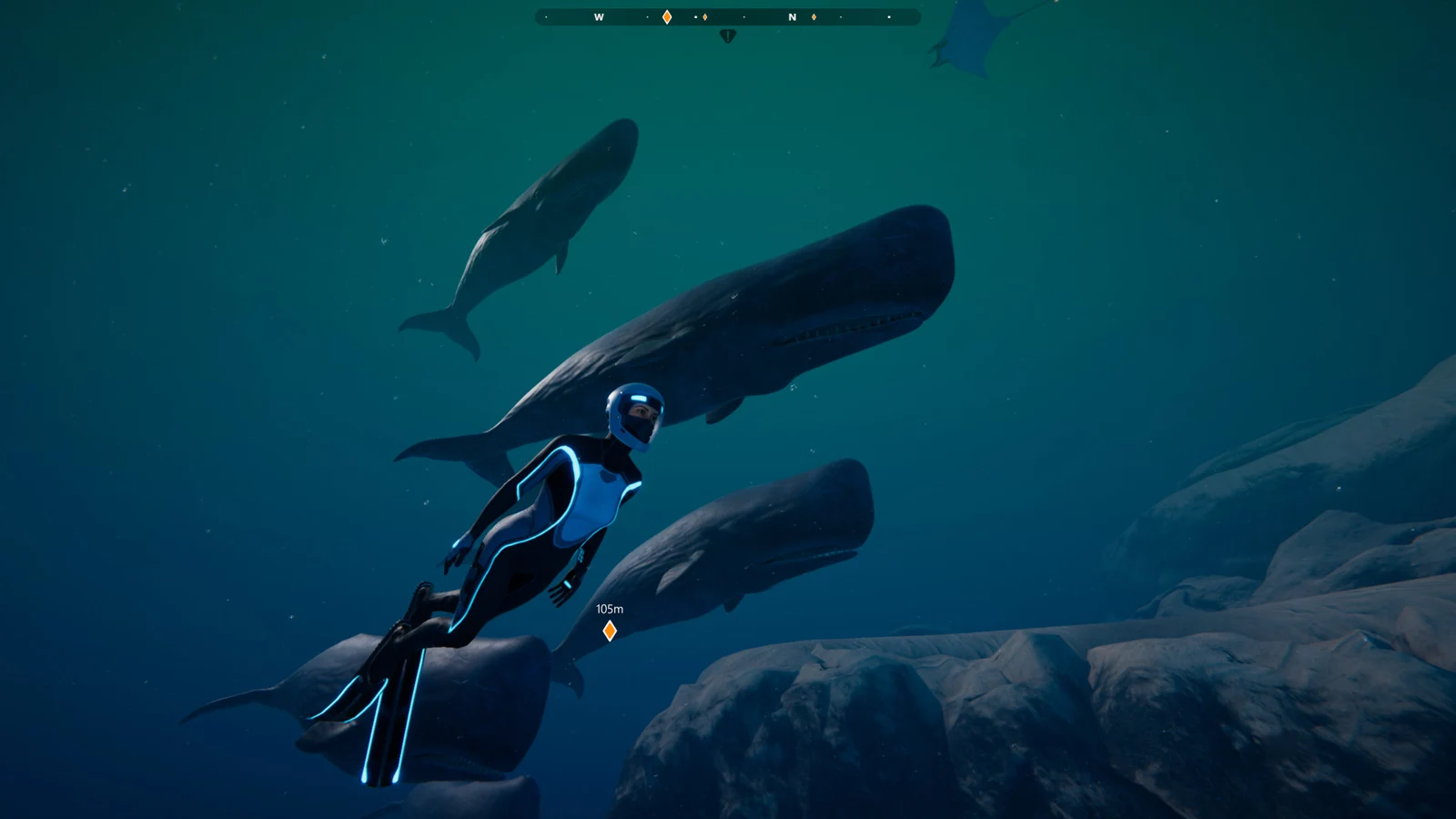
The ocean does not provide the straight horizon and obvious foreground that make a landscape easy to organise. Begin with a subject whose outline you can recognise: an animal passing across lighter water or Mirai near a formation. Beyond Blue's Photo Mode provides a different task from its scanning interactions. Before adjusting the camera, decide whether the photograph is about the animal, the scale of the environment or the relationship between the two. That decision will determine what needs to remain visible.
Build a near, middle and far layer
Use an original composition exercise: place a nearby rock or coral shape towards one edge, leave the subject in the middle distance and retain a paler background beyond it. The three layers need not occupy equal portions of the frame. A narrow foreground edge can be enough to establish depth. If every element overlaps the same dark area, move the viewpoint sideways rather than only pushing the camera closer. Separation often improves recognition more than simple magnification does.
Keep breathing room in the direction of movement
When the animal appears to be travelling, leave open water ahead of it instead of placing its nose directly against the frame edge. This is a compositional choice, not a mechanic that affects the creature. Compare a close crop with a wider version that includes its surroundings. The close image may describe shape; the wide image may communicate scale or solitude. Choose according to the subject you decided on, rather than treating the tightest possible crop as automatically better.
Name the photograph honestly
A caption can identify the game and describe the visible arrangement without pretending to document an actual wildlife encounter. For example, an illustrative caption might read 'Beyond Blue: a ray against open water, with a dark reef edge in the foreground'. If an image is a developer screenshot, credit it as such rather than calling it your own capture. Original diagrams can demonstrate the framing plan without being presented as a screenshot of a scene somebody actually played.